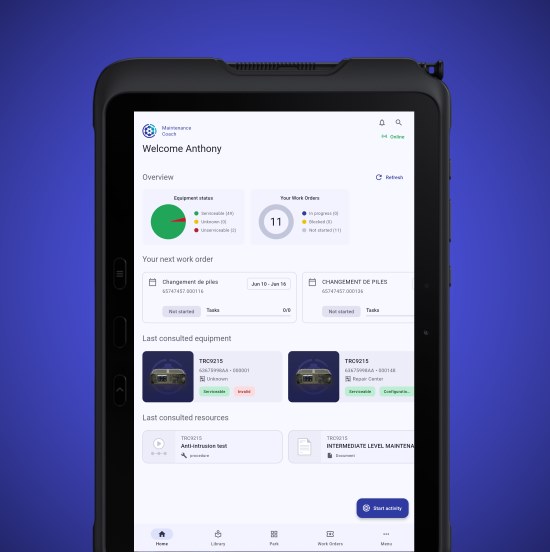
Welcome on board !
Step 1: Installation of Maintenance Coach
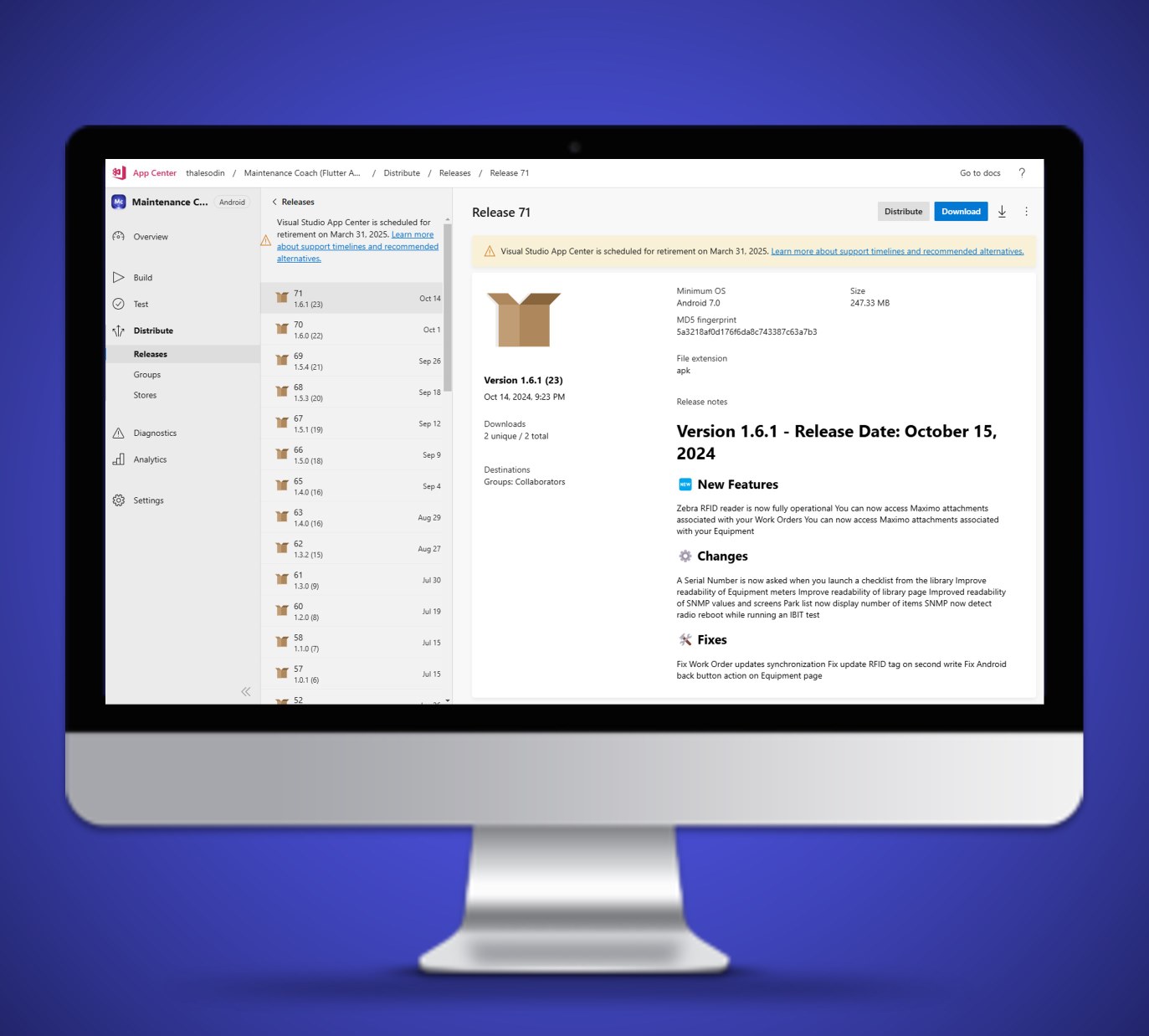
https://install.appcenter.ms/orgs/thalesodin/apps/maintenancecoach/ distribution_groups/clients
- Expand the status bar on your device, you will find a notification indicating that the .apk file download is complete
- A pop-up window titled “Maintenance Coach” will appear: Click on “Install”
- Wait for the application to finish installing
- Close this window by tapping on “OK”
- The Maintenance Coach application has now been successfully installed on your device |
Step 2: Installation of SafeNet MobilePASS+
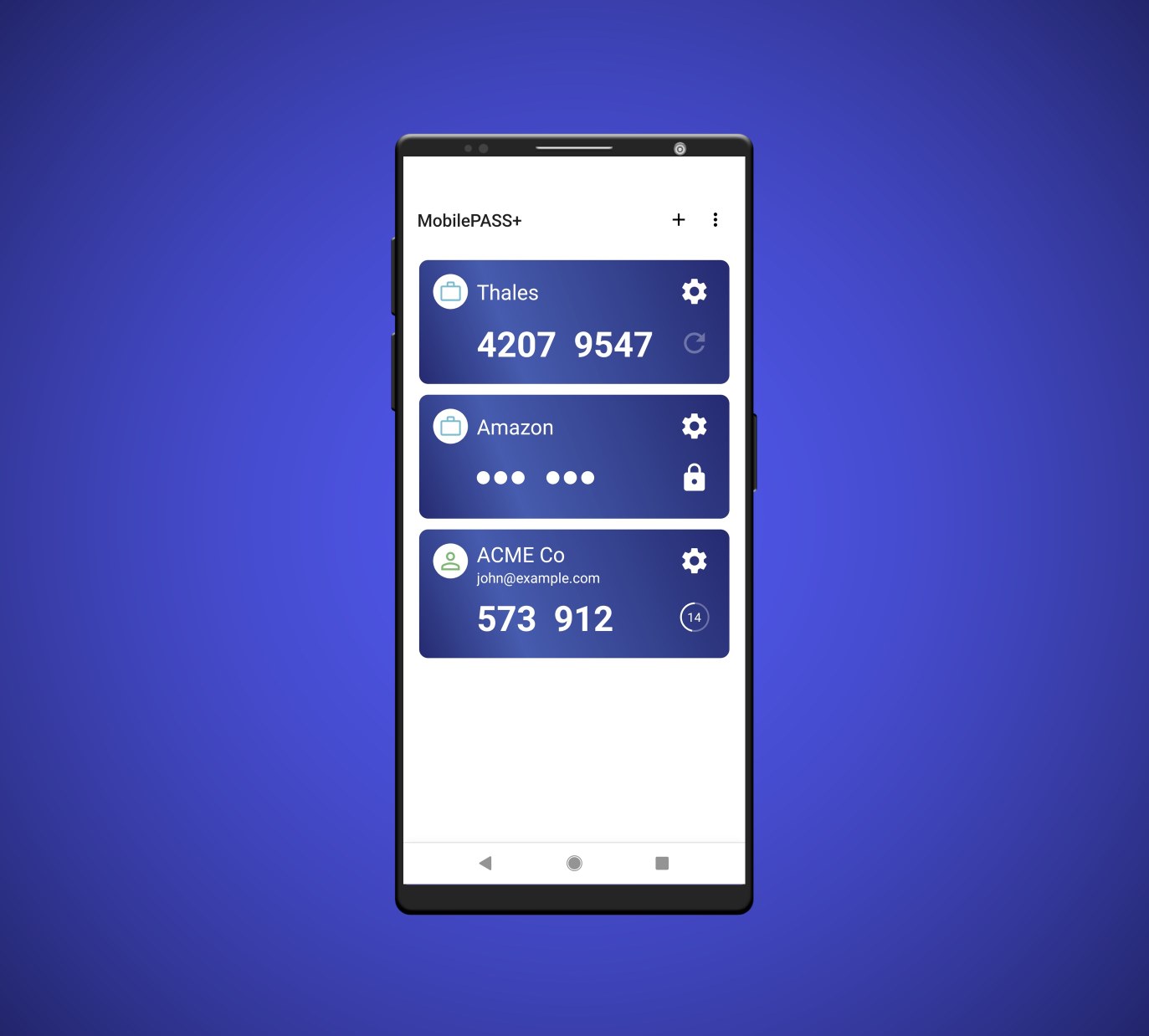
[https://play.google.com/store/apps/details?id=com.gemalto.mpassplus&hl=fr](https://play.google.com/store/apps/details?id=com.gemalto.mpassplus&hl=fr =60%x)
If the app appears on the home screen of your device, then SafeNet MobilePASS+ has been successfully installed on your device
Step 3: Activating your account
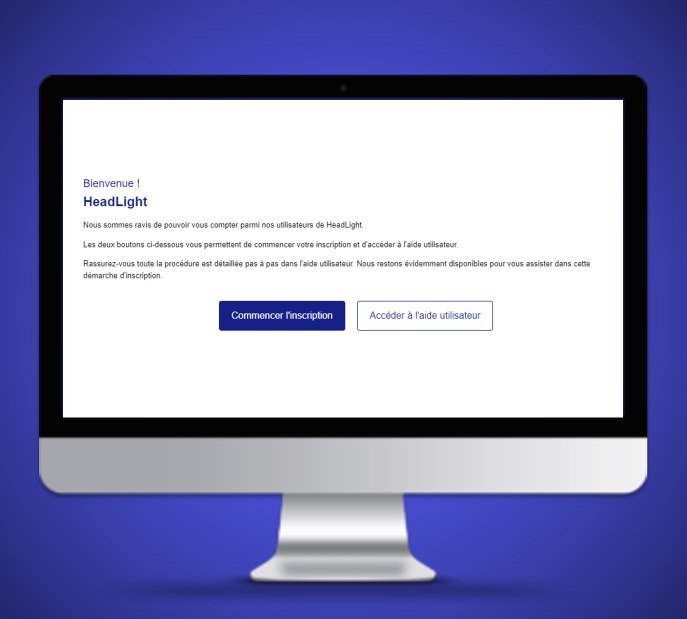
- Open the email received from Maintenance Coach titled “Update your account”
- Click on “Start Registration”
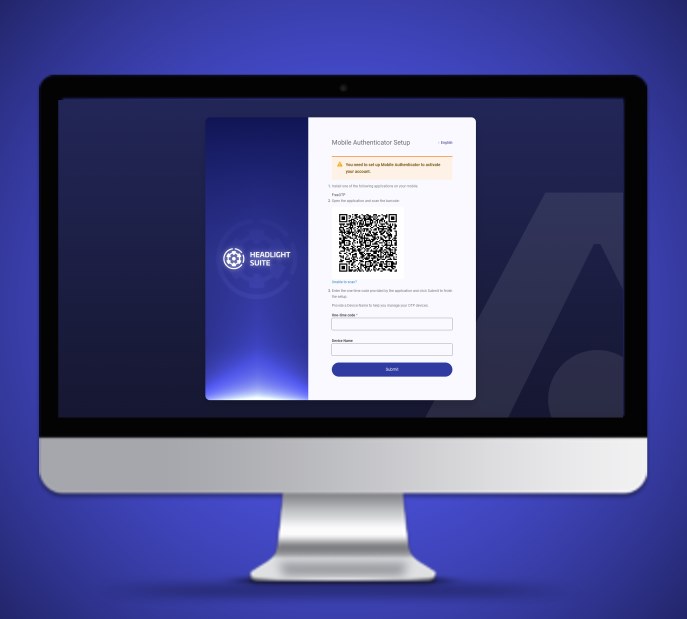
- A page with a QR code will appear
- Take your phone or tablet, open the SafeNet MobilePASS+ application, and then tap on the “+” icon located at the top right to add an account (Allow MobilePASS+ to take pictures and record videos)
- Scan the QR code
- On the application homepage, a code will appear
- On the webpage, enter the name of your device (“tablet” or “phone”) and then enter the code generated by SafeNet MobilePASS+
- Tap on “Submit”
- A new page will appear, enter a password of your choosing
- Tap on “Submit”
Step 4: First connection to Maintenance Coach
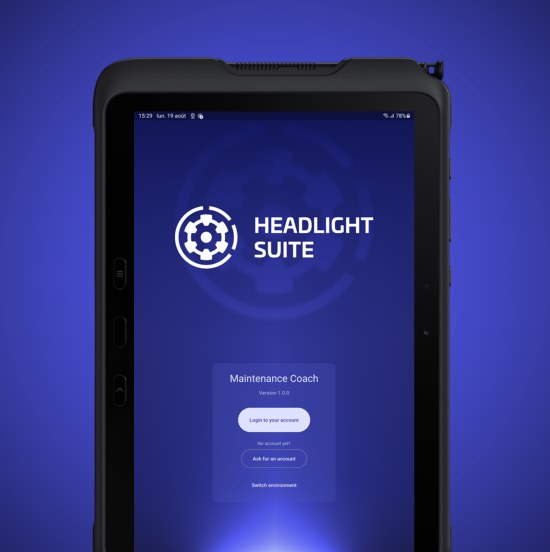
- Launch the MC application and allow access to the folder and camera
- Tap on “Login to your account”
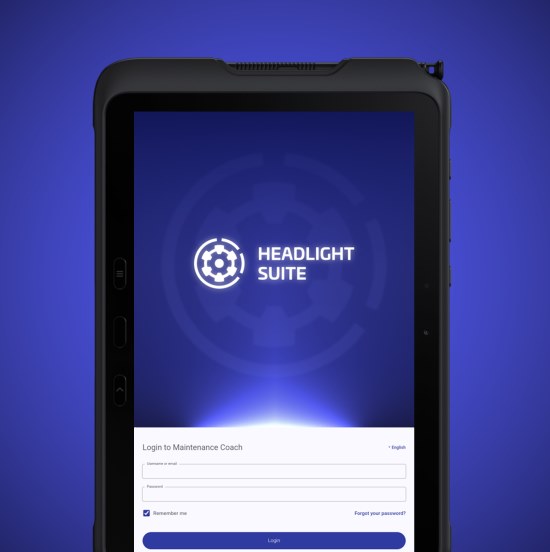
- Enter your THALES email address, and then enter the password you created earlier.
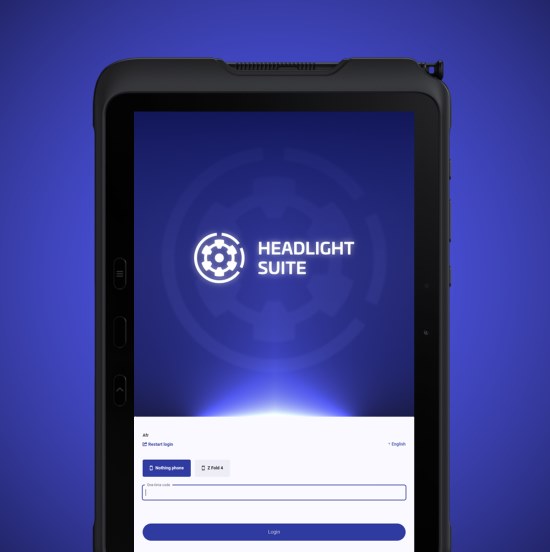
- Then, you will be prompted to enter a code - you can obtain it by opening the SafeNet MobilePASS+ application. A tap on the code will copy it, which you can then paste into the appropriate field.